





cTrader Desktop
 Free
Download
Free
Download Free
Download
Free
Download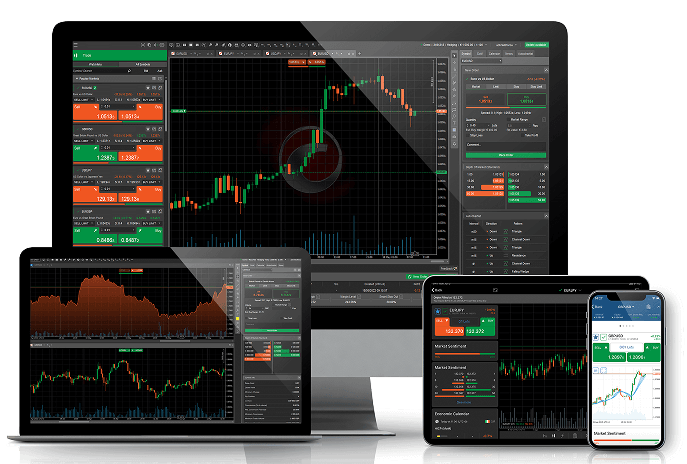
What is cTrader?
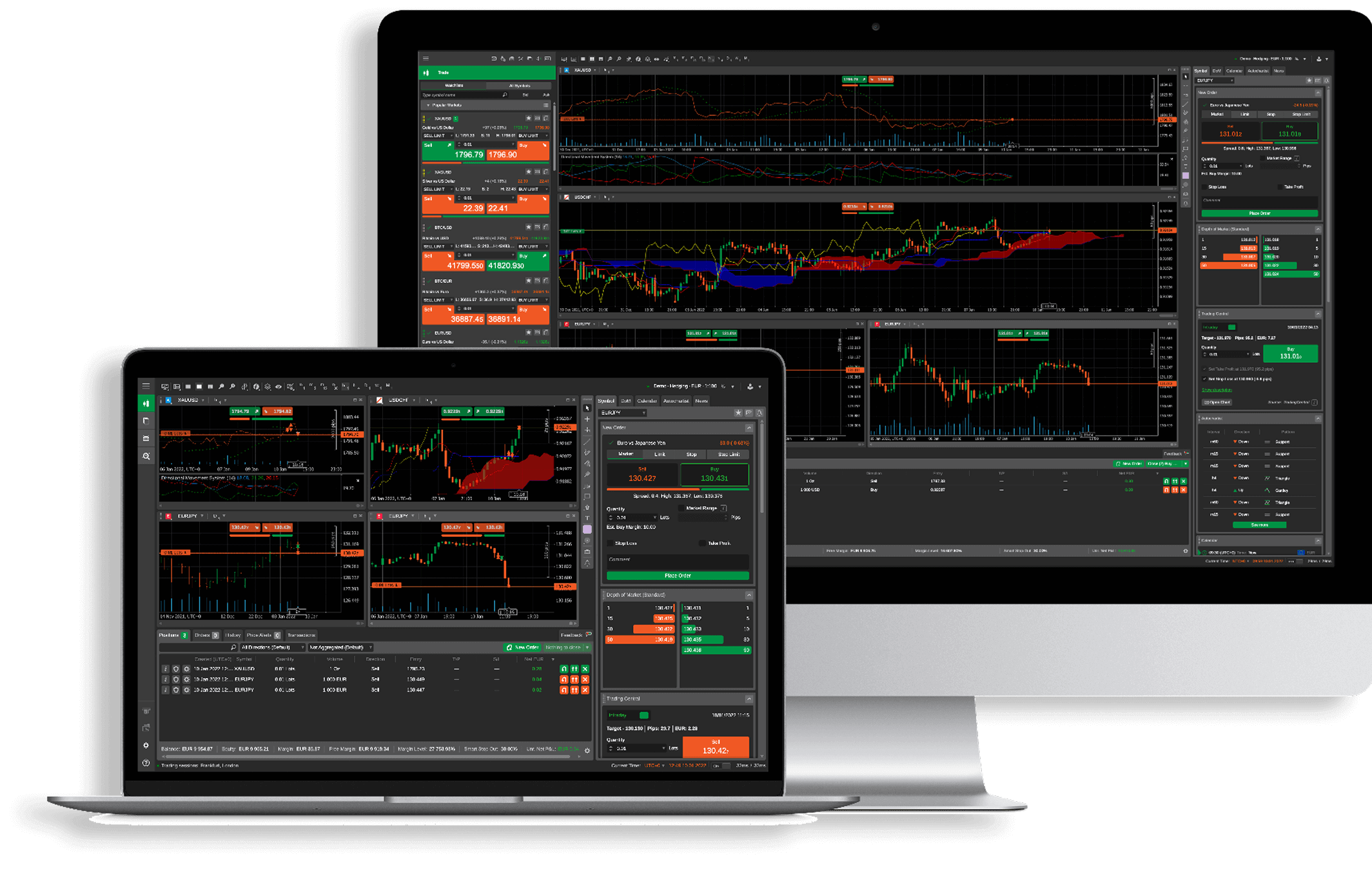
cTrader is a professional, feature-rich FX/CFD platform designed specifically for scalping and algorithmic trading. It is favored by traders worldwide for its transparency and user-friendly interface, and is especially optimized for ECN (Electronic Communication Network) trading models.
RYOEX offers the cTrader desktop platform, delivering lightning-fast and highly accurate order execution, transparent pricing, and an intuitive user interface—all designed to meet the highest industry standards.

RYOEX cTrader Desktop Key Features
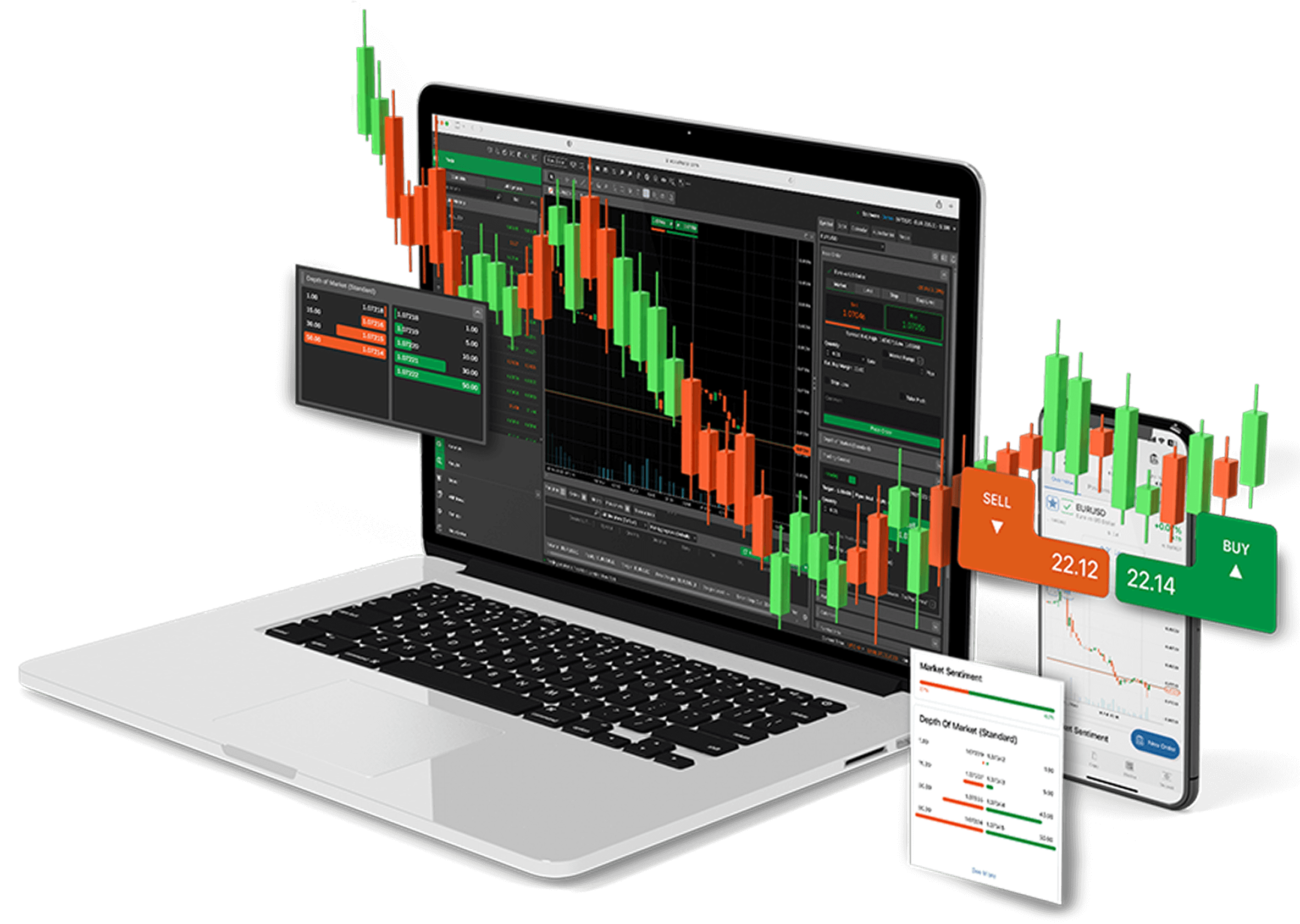

Highly customizable, user-friendly interface
Instant order placement and settlement from charts
Millisecond-fast order execution
Full automated trading with C# support
Numerous built-in indicators and drawing tools
Settings and charts saved automatically in the cloud
Level 2 market depth
True STP with no broker intervention
Why choose cTrader over MT5?
--- A professional platform beyond MT5, built for transparency, efficiency, and smart trading.
| Feature | cTrader | MT5 |
|---|---|---|
| Transaction Transparency |
 Transparent and
traceable quote sources and order execution process Transparent and
traceable quote sources and order execution process
|
 Quotation mechanism is
not disclosed Quotation mechanism is
not disclosed
|
| Market Depth (Level II) |
Full market depth (DOM)
with complete order book visibility
|
Limited depth display;
only partial quotes are shown
|
| Technical Indicators & Drawing Tools |
Includes 70+ technical
indicators and 30+ drawing tools; supports analysis template management
|
Includes 38 indicators
and multiple tools; interactivity is relatively limited
|
| Multi-Chart Layout Customization |
Supports multi-window
chart display, synchronized zooming, and workspace customization
|
Chart switching and
layout configuration are less intuitive
|
| Chart Interaction Efficiency |
Orders, take profit,
and stop loss can be directly adjusted on the chart
|
Chart and order panel
are separated; operations are slower
|
| Scalping Friendliness |
Supports ultra-low
latency execution; ideal for high-frequency strategies
|
 Some platforms impose
restrictions or disable scalping Some platforms impose
restrictions or disable scalping
|
| Backtesting & Strategy Optimization |
Built-in tools for
parameter optimization and trade log analysis
|
Basic support; features
are less integrated
|
| Automated Trading Language |
Uses C# (standard
syntax, high flexibility, easy to debug and maintain)
|
Uses MQL5 (proprietary
syntax, higher learning curve)
|
| User Interface Experience |
Modern and intuitive;
supports multiple languages and theme switching
|
Outdated interface with
more complex workflows
|
System Requirements for RYOEX cTrader Desktop
| Item |
 Windows Windows
|
 Mac Mac
|
|---|---|---|
| Operating System | Windows 7 or higher, latest version recommended | macOS Catalina (10.15) or higher |
| Processor (CPU) | Dual-core 2.0GHz or higher | Intel Core i5 or higher, Apple Silicon (M1/M2) recommended |
| Memory (RAM) | Minimum 2GB (4GB or more recommended) | Minimum 8GB |
| Disk Space | 500MB or more of available space | 500MB or more of available space |
| Screen Resolution |
•
13 to 15 inch (standard aspect ratio): 1400×1050 recommended • 13 to 15 inch (widescreen): 1280x800 recommended • 17 inch (widescreen): 1680x1050 recommended |
•
13 to 15 inch: 2560×1600 or 2880×1800 recommended • 27 inch and above: 3840×2160 or 5120×2880 recommended |
| Internet Connection | 50kB/sec or faster, 100kB/sec or faster recommended | 50kB/sec or faster, 100kB/sec or faster recommended |
How to Use the RYOEX cTrader Desktop

Open a demo account
Create a free demo account on the official RYOEX website—no identity verification required.

Download the cTrader desktop version
Install the software on your Windows PC or Mac.

Log in and start trading
Use your registered email and password to log in and start trading immediately with virtual funds.
Open a real account
Submit your identity verification documents via the official RYOEX website to open an account.

Deposit trading funds
Deposit funds through "My RYOEX" (Client Zone) via bank transfer or cryptocurrency.
Download the cTrader desktop version
Install the software on your PC.
Log in and start trading
Enter your cTrader account credentials and begin trading with real money.
cTrader Desktop FAQs
- Windows/Mac: Desktop version (installed software)
- Smartphone/Tablet: iOS and Android dedicated apps
- Browser: Web version (no installation required)
- Forex : Major pairs (e.g., USD/JPY, EUR/USD), cross pairs, minor pairs
- Metal CFDs: Gold, silver, platinum, palladium, etc.
- Energy CFDs: Crude oil (WTI, Brent), natural gas, etc.
- Stock CFDs: Leading companies such as Apple, Tesla, Amazon, and more
- Index CFDs: Major indices including NASDAQ, S&P 500, Nikkei 225, DAX, etc.
- Cryptocurrency CFDs: Bitcoin (BTC), Ethereum (ETH), Litecoin (LTC), etc.
